Cat Battles is playable on phones and tablets, but the touch controls are not a straight port of the keyboard. The two things that decide whether mobile feels good are how you grab and how much frame rate you can hold — in that order.
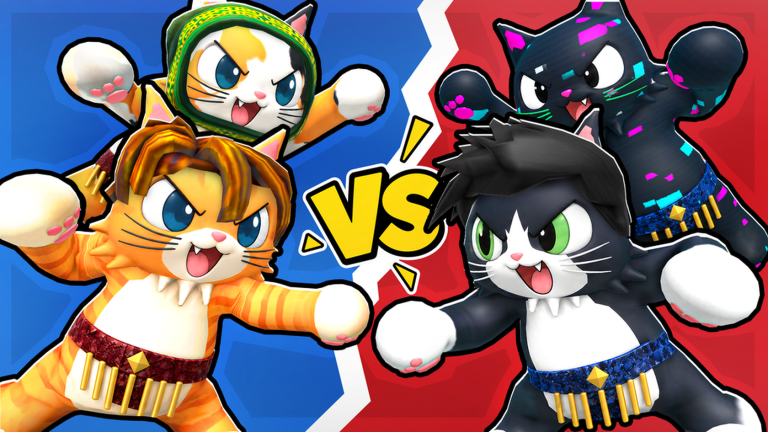
A game about shoving needs a stable frame rate more than pretty graphics. Official game art.
Touch controls
The five actions map to on-screen buttons:
| Action | Desktop | Mobile |
|---|---|---|
| Punch | Left click | Punch button |
| Grab | Right click | Grab button — hold, do not tap |
| Kick | F | Kick button |
| Lift | Shift | Lift button |
| Ability | Q | Ability button |
The grab is the one that trips people up. On desktop, a right click holds the grab for as long as you keep the button down. On touch, a quick tap registers as a press and release, so the grab breaks almost instantly. Press and hold, then drag toward the edge.
The four-finger problem
Cat Battles asks for grab, lift and a movement direction at the same time. On a phone held in two thumbs, that is three inputs with two digits.
Practical workarounds, in order of how much they help:
- Use a tablet or a larger phone. The single biggest improvement. A 6-inch screen with the same layout puts the buttons under your thumbs instead of your fingers.
- Remap to a layout you can reach. Roblox’s own touch controls can be repositioned; put grab and lift on the same side so one thumb can hold and release in sequence.
- Play 2 Teams instead of Classic. In team modes a teammate can cover you while you fumble a grab, which is far more forgiving than free-for-all.
- Do not chase the edge on mobile. If you cannot reliably grab-lift, win by position instead — stand centre-side and let opponents come to you. How to win covers the positioning side in full.
Lag: what actually helps
Cat Battles is a physics game, so a dropped frame costs you a shove, not just a pretty picture. What helps, roughly in order of impact:
- Lower the graphics quality in Roblox settings. On mobile this is the single biggest frame-rate gain, and nothing in Cat Battles needs high settings to be readable.
- Close background apps. Phones throttle hard when they get warm; a video app in the background is enough to start it.
- Switch to a 5 GHz Wi-Fi band or a stable connection. Physics sync punishes packet loss more than it punishes raw speed.
- Turn off other players’ particles if the lobby is full. A ten-player pile-up is the worst case, and it is also when you least want stutter.
What does not help: reinstalling the game, changing your Roblox avatar, or anything advertised as a “lag fix” outside Roblox itself.
Mobile and codes
The redeem flow is the same on every platform: cogwheel in the top-left, text box inside Settings, then Redeem. Two mobile-specific notes:
- Copying a code on a phone often drags a trailing space along. Paste, then check the end of the field before redeeming.
- Some players report the Redeem button being unresponsive in the mobile app. The same code usually goes through on desktop or after rejoining the server.
The codes page has all five working codes and the current payout for each.
Questions
How do you grab on mobile in Cat Battles?
Press and hold the grab button. A quick tap registers as a press and release, so the grab breaks instantly — holding is what makes it stick.
Is Cat Battles cross-platform?
Yes. It runs on Roblox, so phone, tablet, PC and console players share the same servers and the same 10-player limit.
Why is Cat Battles laggy on my phone?
Physics and a full lobby are the main cost. Lowering Roblox's graphics quality, closing background apps and using a stable connection fixes most of it.
Why does the Redeem button not work on mobile?
It is a known annoyance in the mobile app. Rejoining the server or redeeming the same code on desktop usually works.
Keep reading
[
How to play
All five inputs, and the loop that wins rounds.
](/how-to-play) [
Tier list
Which ability to buy first on a touch device.
](/tier-list)